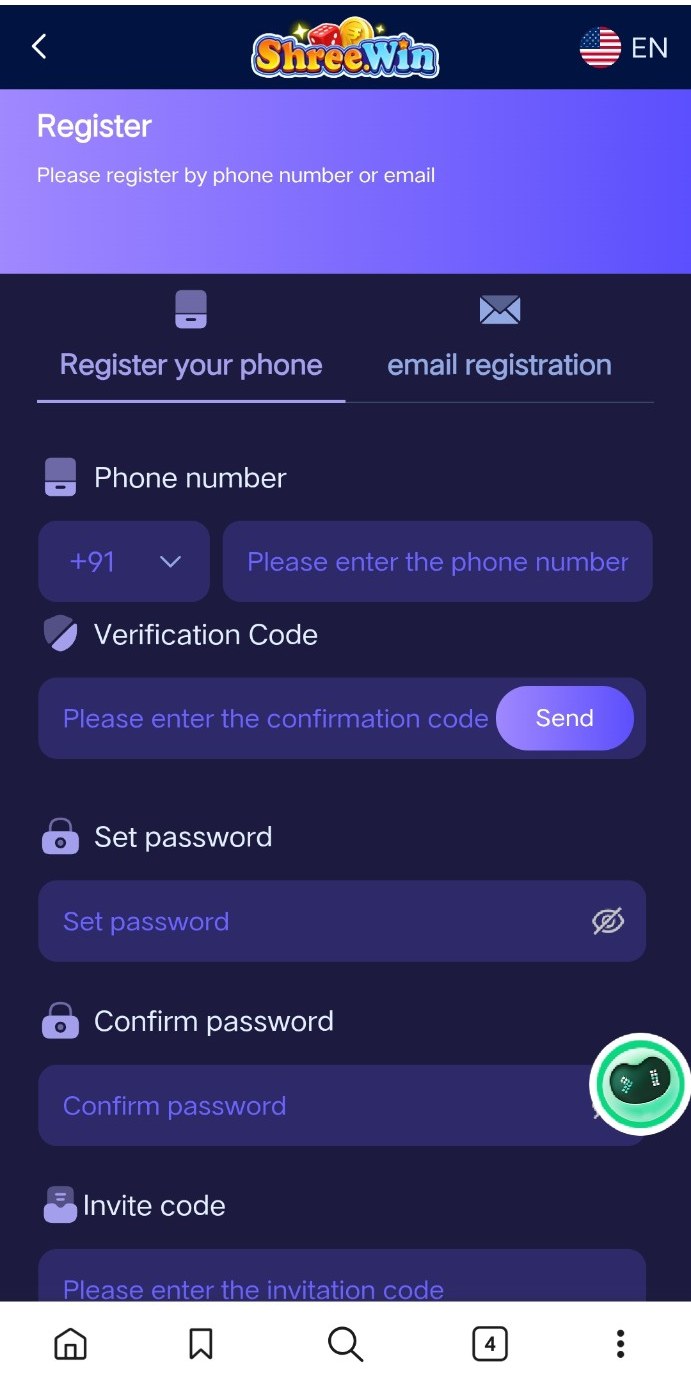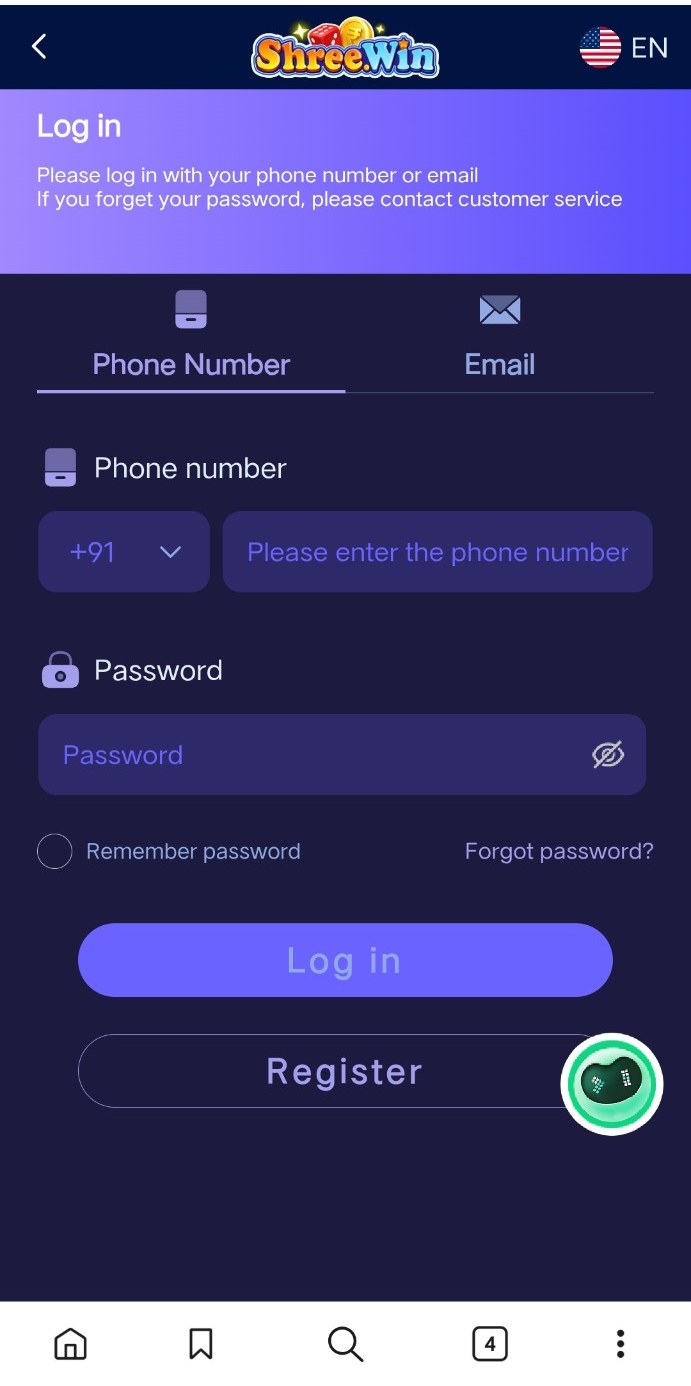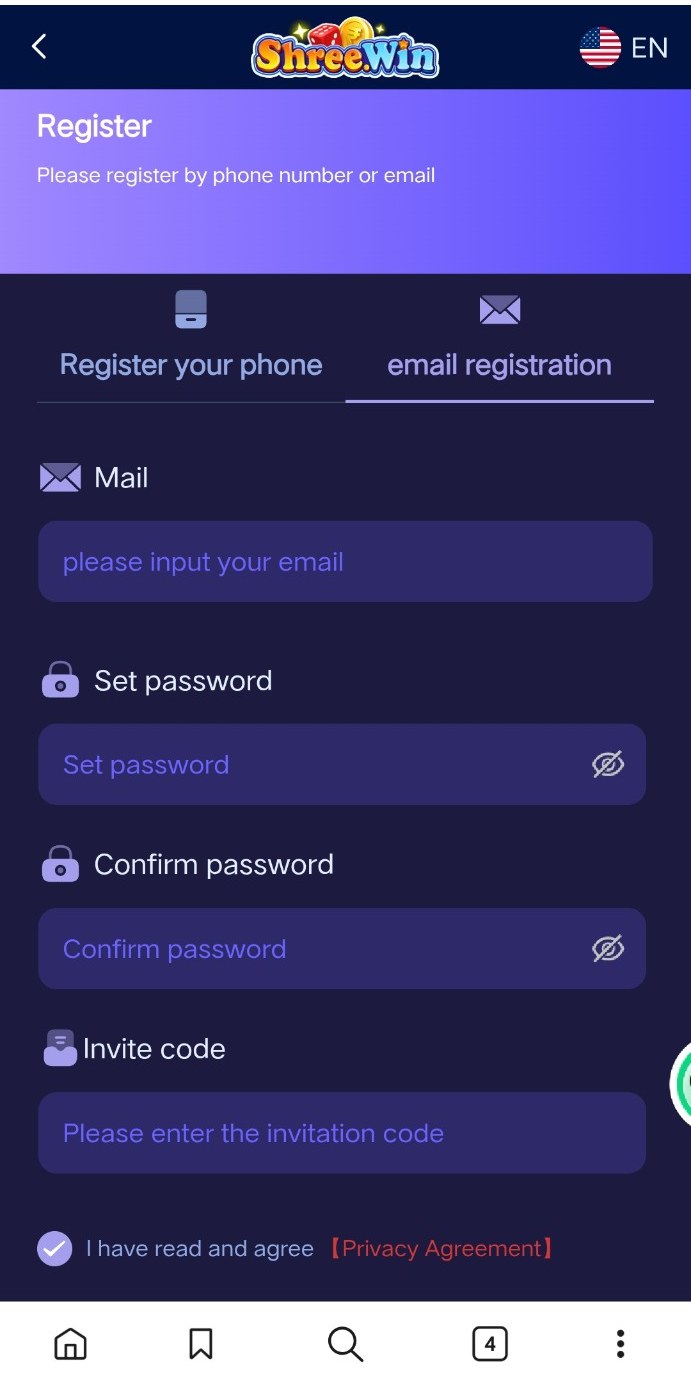
If you cannot sign in, use the official password-recovery screen rather than sharing your account details with another person.
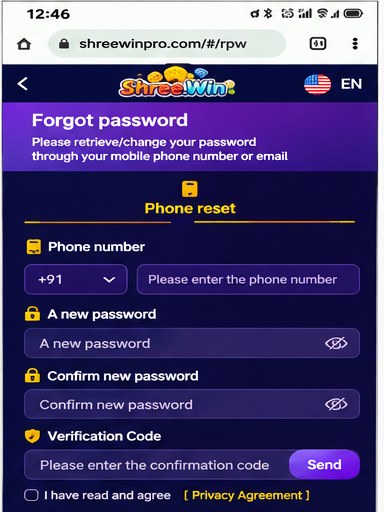
Password reset steps
- Open Forgot password.
- Choose the available recovery method, such as phone reset.
- Enter the registered phone number or email.
- Create a new password and confirm it.
- Request and enter the verification code.
- Submit the reset request.
After resetting, sign in with the new password and keep it private.