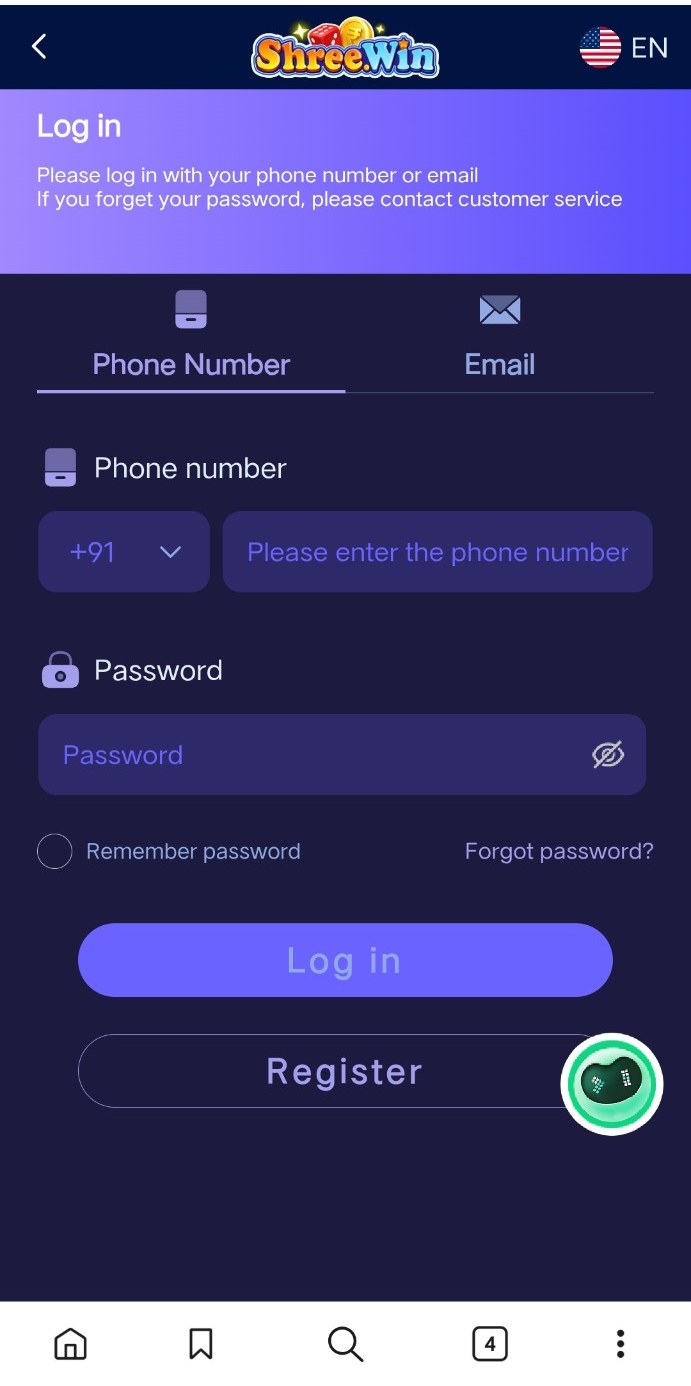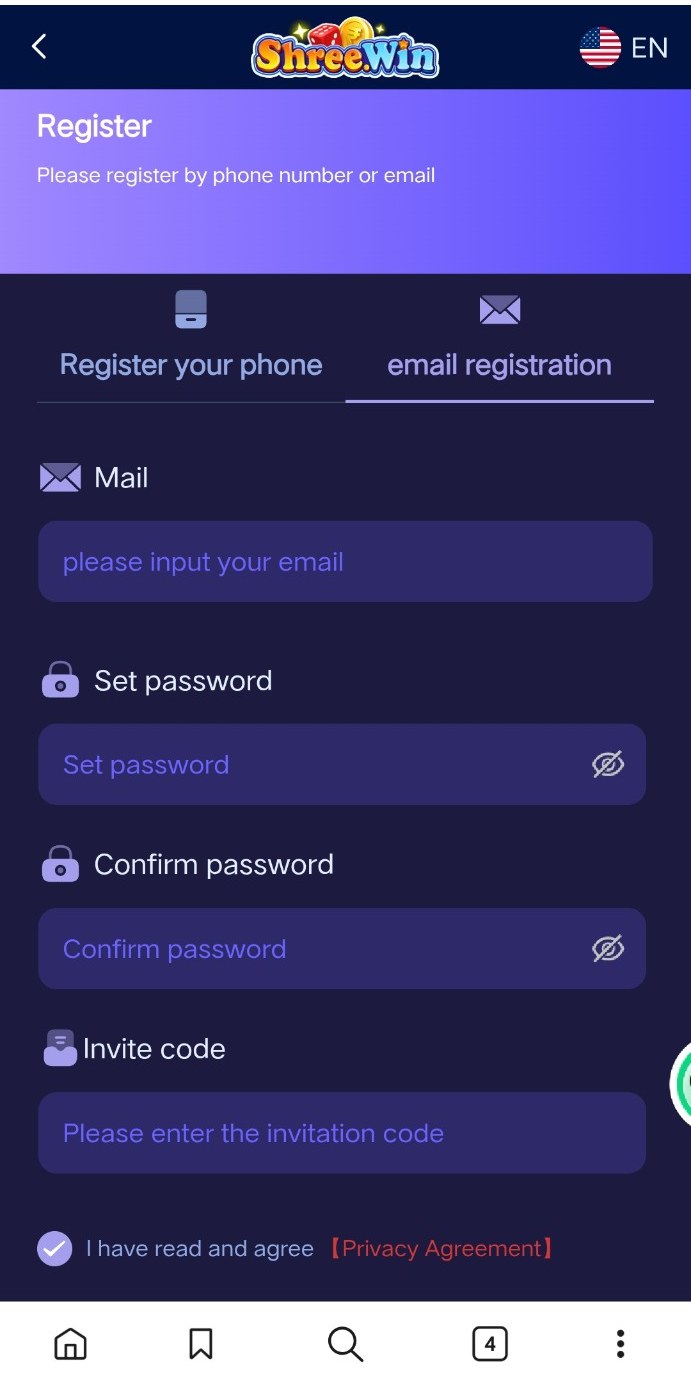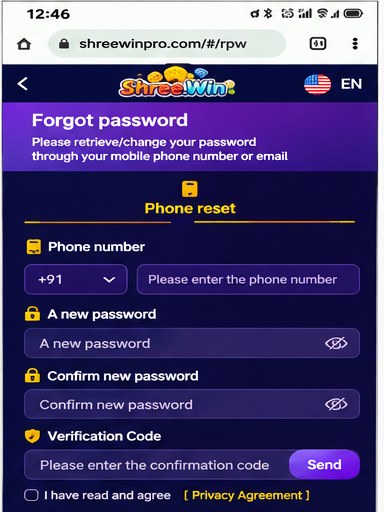
This guide explains the phone-number registration screen and the fields you may see while creating a Shree.Win account.
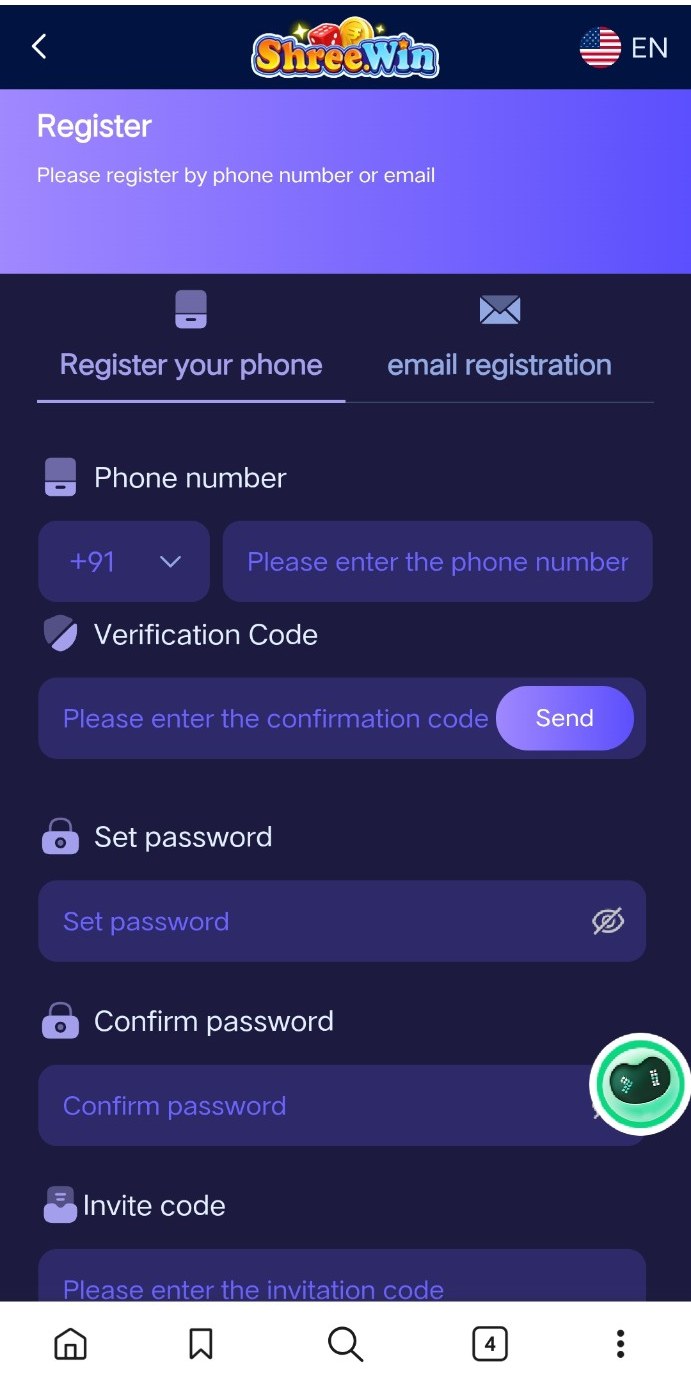
Phone registration steps
- Open the registration page and choose Register your phone.
- Select the correct country code and enter your mobile number.
- Request the verification code and enter the code you receive.
- Create a strong password and enter it again in the confirmation field.
- If you have a valid invite code, enter it in the invite-code field.
- Read the privacy agreement, accept it if you agree, and submit the registration form.
Before you submit
Check the phone number carefully and use a password you do not reuse on other services. Never share verification codes or passwords with anyone.