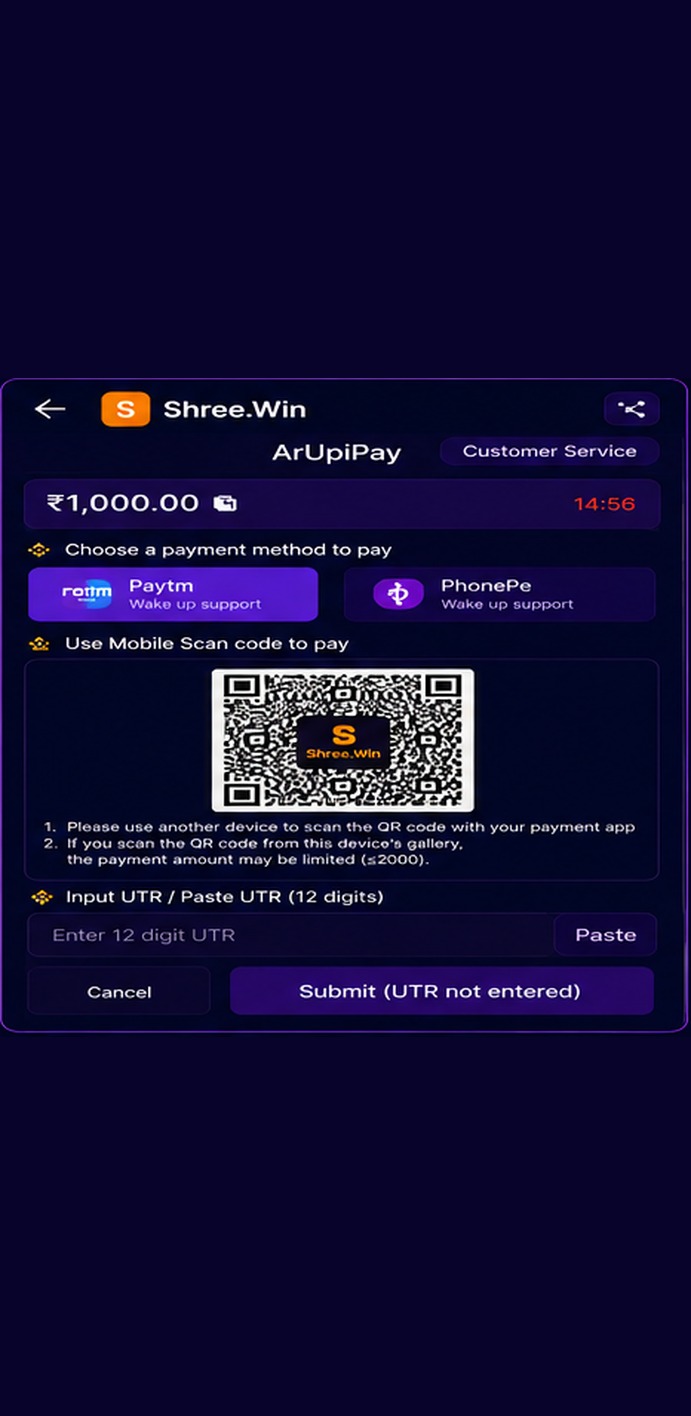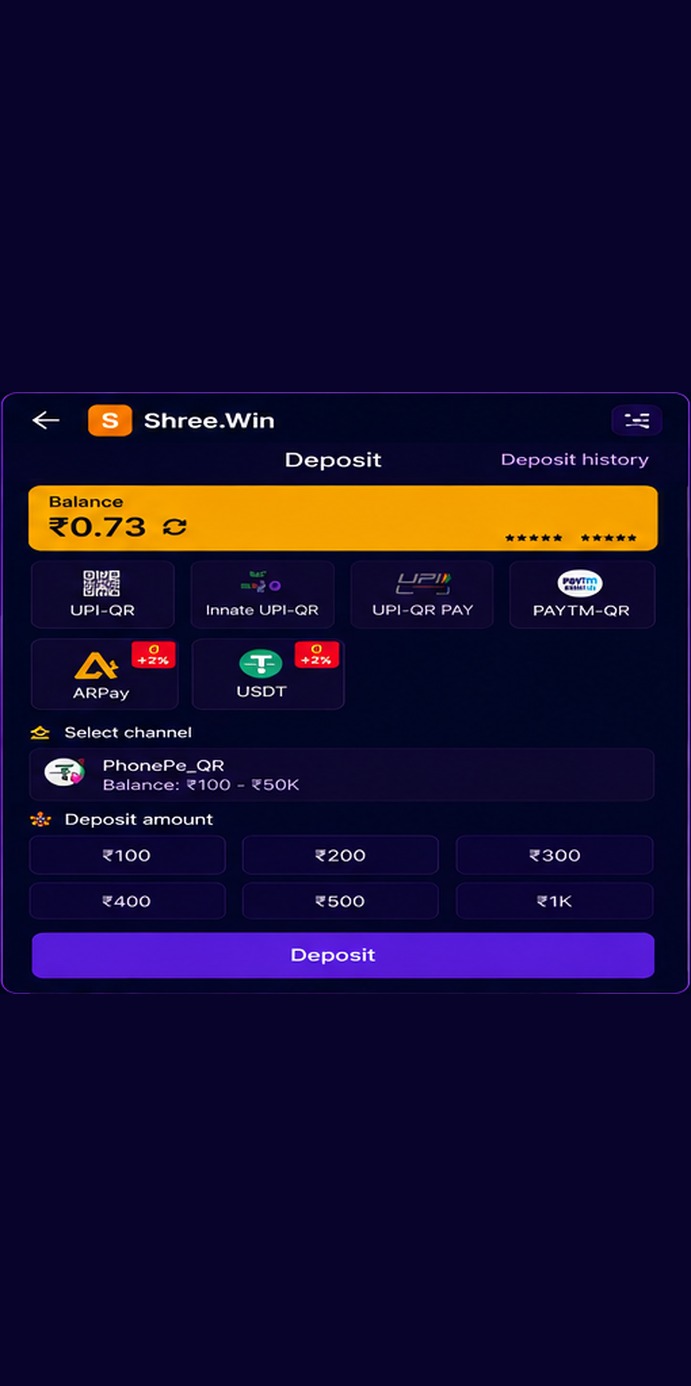
Some INR channels open a QR payment page and ask for a transaction reference after payment.
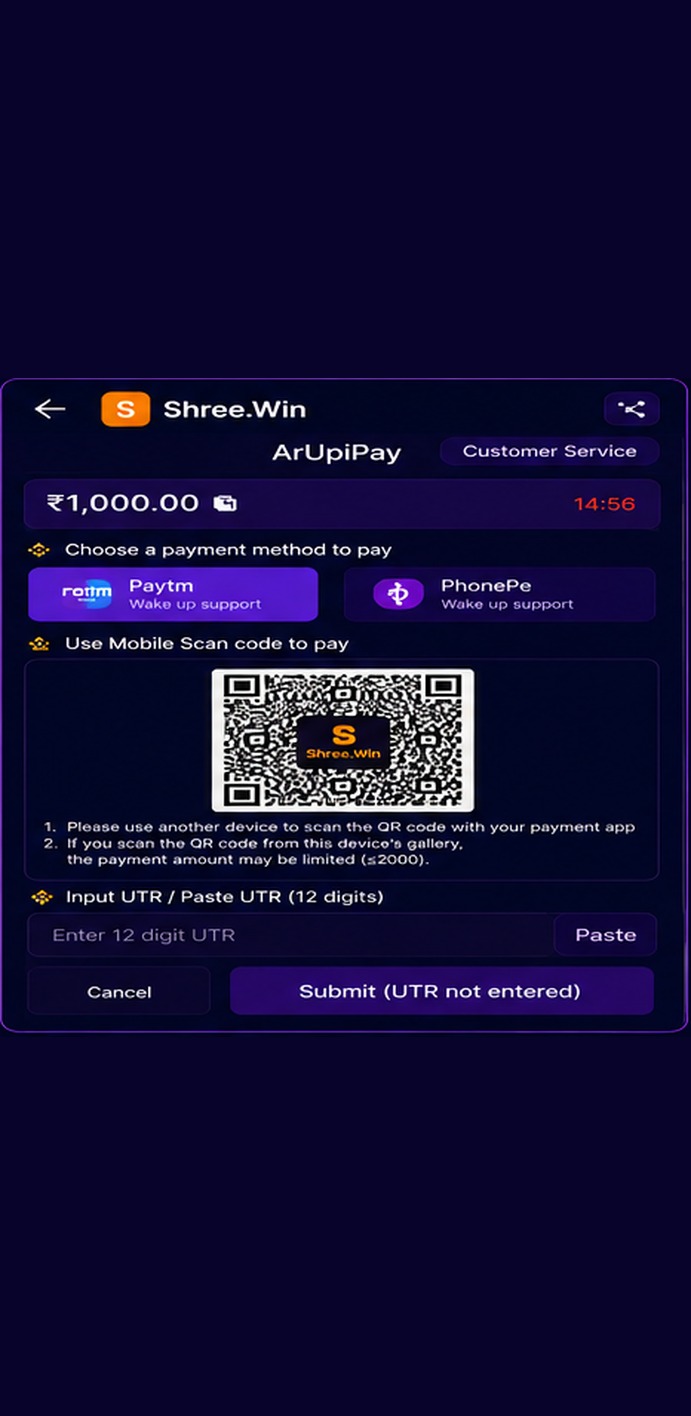
Typical flow
- Confirm the amount shown on the payment page.
- Select the supported payment app if required.
- Pay using the QR or instructions shown on the live payment page.
- After successful payment, copy the transaction UTR/reference number from your payment app.
- Paste the UTR into the field shown on the payment page and submit it.
The example QR in this guide is intentionally obscured. Always use the QR generated for your own current order.